Campaign still
Polish after the palette fork is already approved.
Skincare campaign still, frosted glass jar on wet basalt, single cool rim light, exact label “Lumen”, minimal serif, editorial finish.
 Krea 2 AI
After a direction survives Nano Banana forks, open Nano Banana Pro on Krea 2 AI for cleaner materials, steadier type, and a more finished Gemini still.
Also consider: Draft with Nano Banana or Nano Banana 2; finish expressive texture on Krea 2 Large.
Your image will appear here
Check the light, crop, and materials in these examples before you write your prompt.
Creative lens
Nano Banana Pro is the polish pass for Gemini guests inside Krea 2. Use it when the mood is already chosen and the frame needs cleaner surfaces, more confident typography, or a reference edit that must not wobble. It pairs well with a Krea-first exploration loop: mood on Krea, forks on Nano Banana, finish on Pro.
Decision guide
Choose Pro when the creative direction is locked and the deliverable needs a sharper Gemini render. Skip it while you are still hunting for the basic visual lane. That is what Nano Banana and Krea Turbo are for.
What Nano Banana Pro does well in this workbench, and when those strengths are useful.
Copy a brief, replace the subject, and keep the instructions for layout, light, and materials.
Polish after the palette fork is already approved.
Skincare campaign still, frosted glass jar on wet basalt, single cool rim light, exact label “Lumen”, minimal serif, editorial finish.
Lock wardrobe and light; Pro handles surface fidelity.
Editorial portrait, model in saffron coat against concrete, late sun, crisp fabric weave, shallow depth, quiet confidence.
Short copy and one hero object.
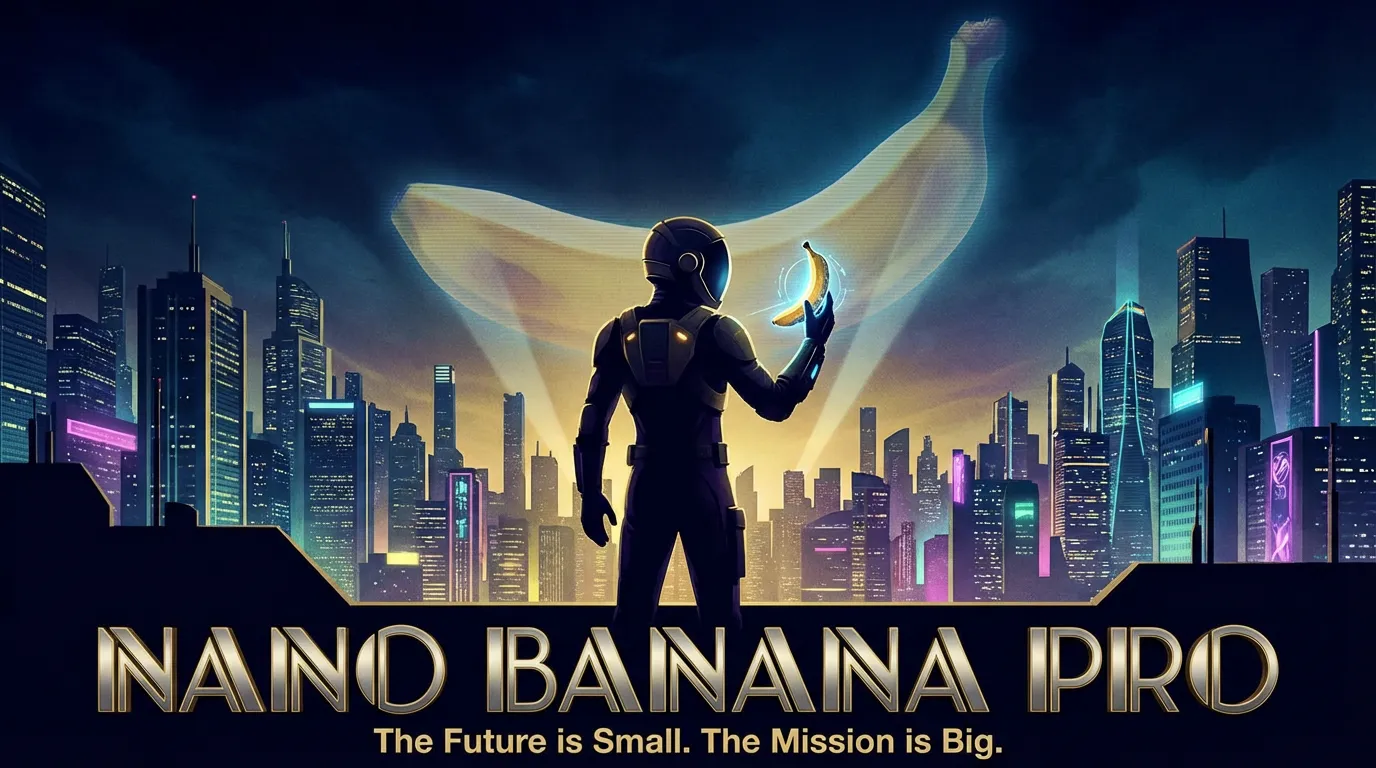
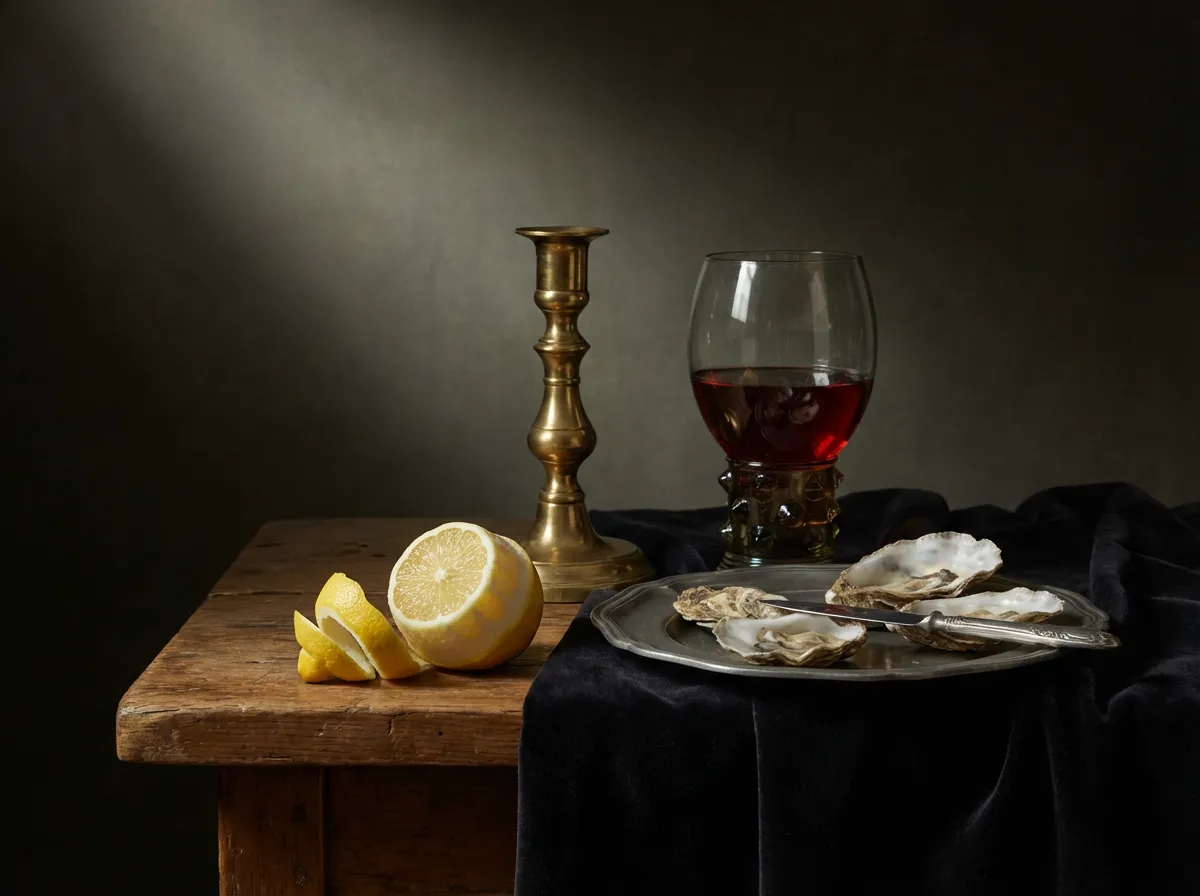
Premium tea tin on brushed steel, exact words “Midnight Oolong”, embossed lid detail, soft studio gradient.
Preserve pose; upgrade environment fidelity.
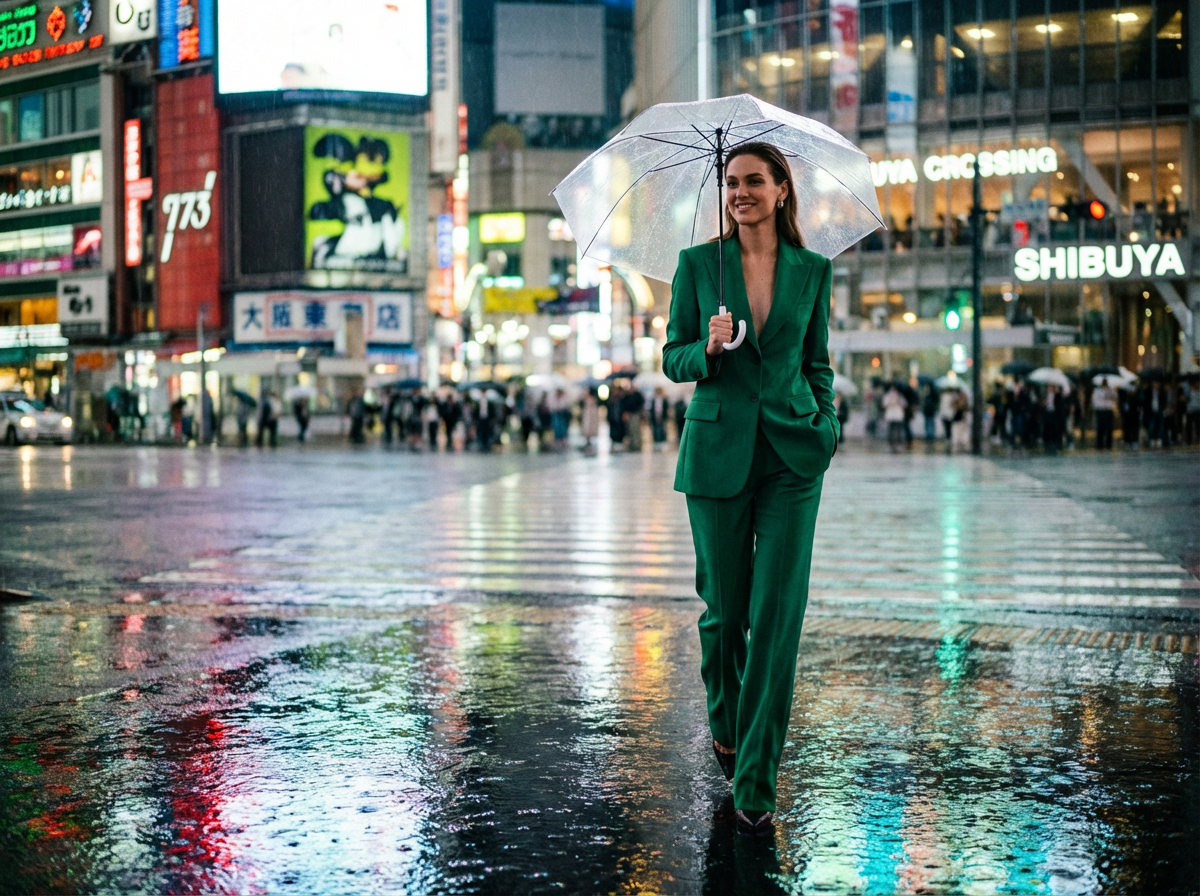
Keep subject pose from reference. Upgrade background to rain-slick Tokyo alley, neon reflections, cinematic color grade.
Explore the look in Krea 2, then switch models when the brief calls for a different kind of control.
Do not polish until the basic direction feels emotionally right.
Add materials, exact short copy, and finish language.
Run the same brief on Krea 2 Large if texture should lead again.
Check the endpoint, credit calculation, and provider price source before you generate.
What creators say after using this workflow in production.
Pro is the polish pass after Nano Banana forks. Cleaner materials, still fast enough for a live client call.
We approve a mood on Krea, sharpen layout on Nano Banana 2, then finish stills on Pro when the surface needs to feel final.
Short label copy and one hero object — Pro holds that better than a wild exploration pass.
Reference polish upgrades the environment without melting the subject. Preservation rules first, then the change.
Pro sits between Gemini drafts and Krea Large: sharper than base Nano Banana, less textured than a full Krea hero.
Pro stills are finished enough that producers stop asking for a separate photo shoot on early boards.
Nano Banana 2 is for sharper drafts while exploring. Pro is for when the direction is chosen and needs a cleaner Gemini finish.
No. Krea still leads for grain, raw texture, and unconventional aesthetics. Pro leads for polished Gemini stills.
Yes: switch to image mode for reference-guided revisions.