Krea 2 AI

Krea2 img2img

Krea2 img2img: show the look, describe the new subject.

Use Krea2 img2img and reference images for hosted style transfer. Upload a look, describe a new subject, and learn why Krea2 image2image is not exact editing.

Krea2 reference image workflow

  1. 1Upload one readable visual reference.
  2. 2Write the new subject and required frame.
  3. 3Generate, then judge palette, texture, lighting, and medium—not pixel identity.
0 / 5000
Describe the subject, composition, light, texture, and emotional tone.
0/4

JPG, PNG, WebP · 20 MB max

Choose modelImage to image · settings update automatically

Only live routes are selectable. Your prompt stays in place when you switch.

Aspect ratio
Resolution
Creativity
This generation−1creditCost guide

Your image will appear here

Prepare a Krea2 reference image that gives one clear direction

Choose one readable reference
Start with an image that has a dominant visual idea. Crop away unrelated panels, borders, or text before upload when they are not part of the target style.
Name the new content
Write the new subject, action, and required frame in plain language. Do not ask the reference to communicate content that the prompt never states.
Call out the borrowed traits
Mention the two or three reference qualities that matter most, such as palette, grain, light, print texture, or perspective.
Check the task boundary
If the result needs exact identity, typography, pose, or product geometry, move to a true preservation-led edit route instead of forcing style transfer to do that job.

Official Krea style-reference studies

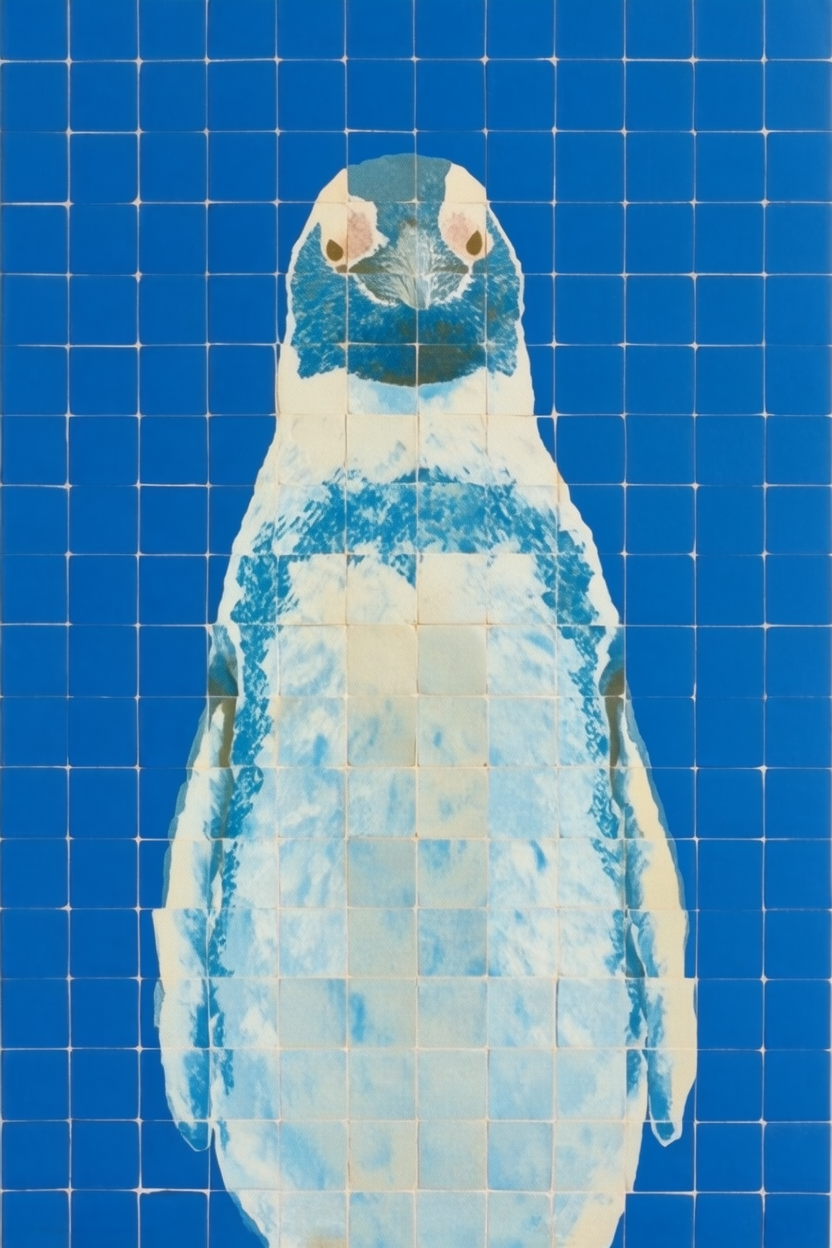
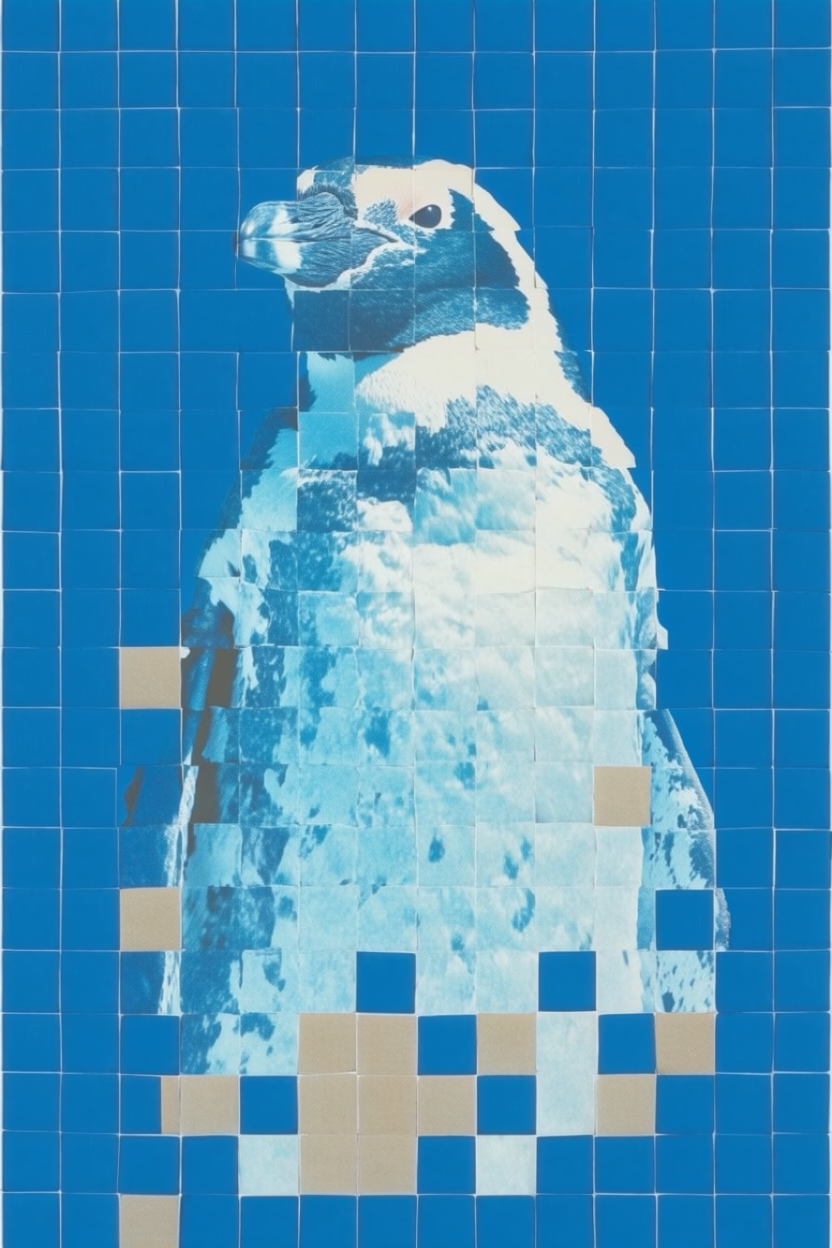
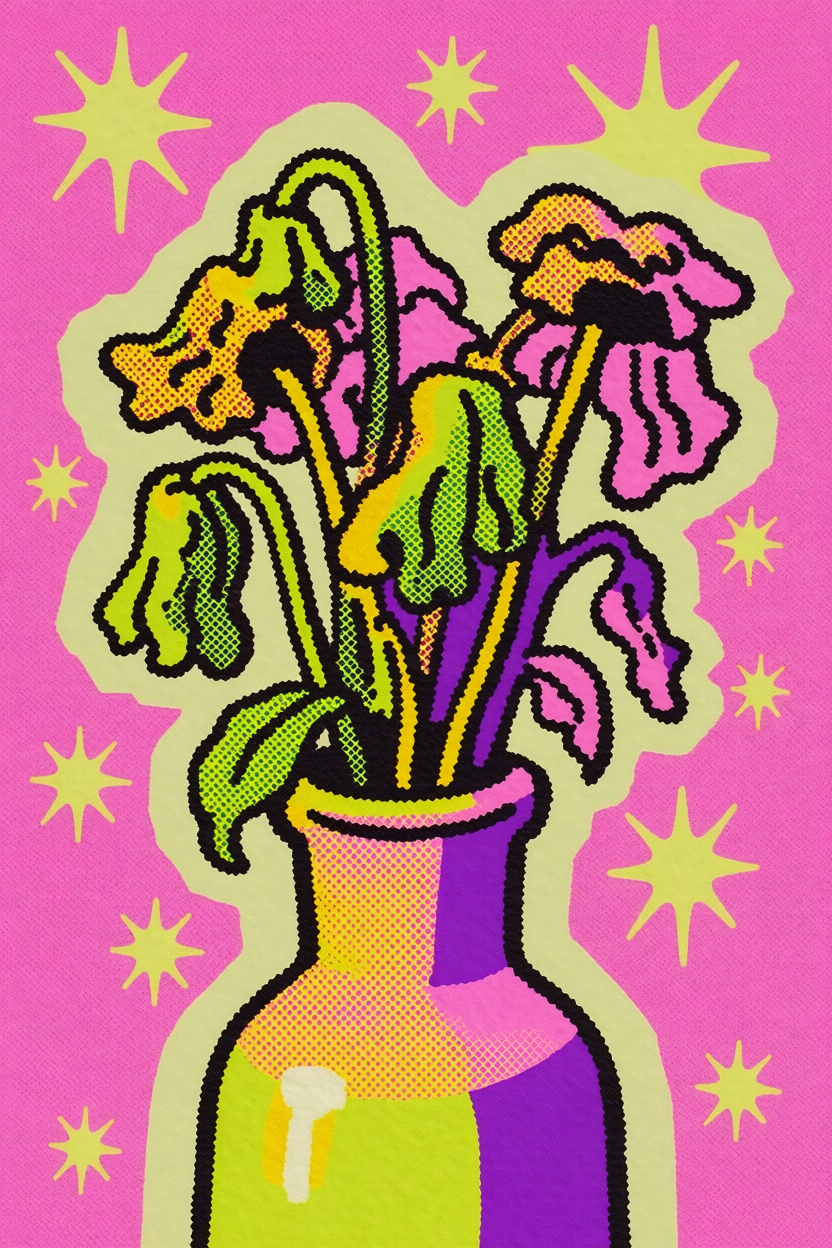
These grouped images come directly from Krea’s API launch article. They are evidence for the actual feature—not unrelated homepage decoration.

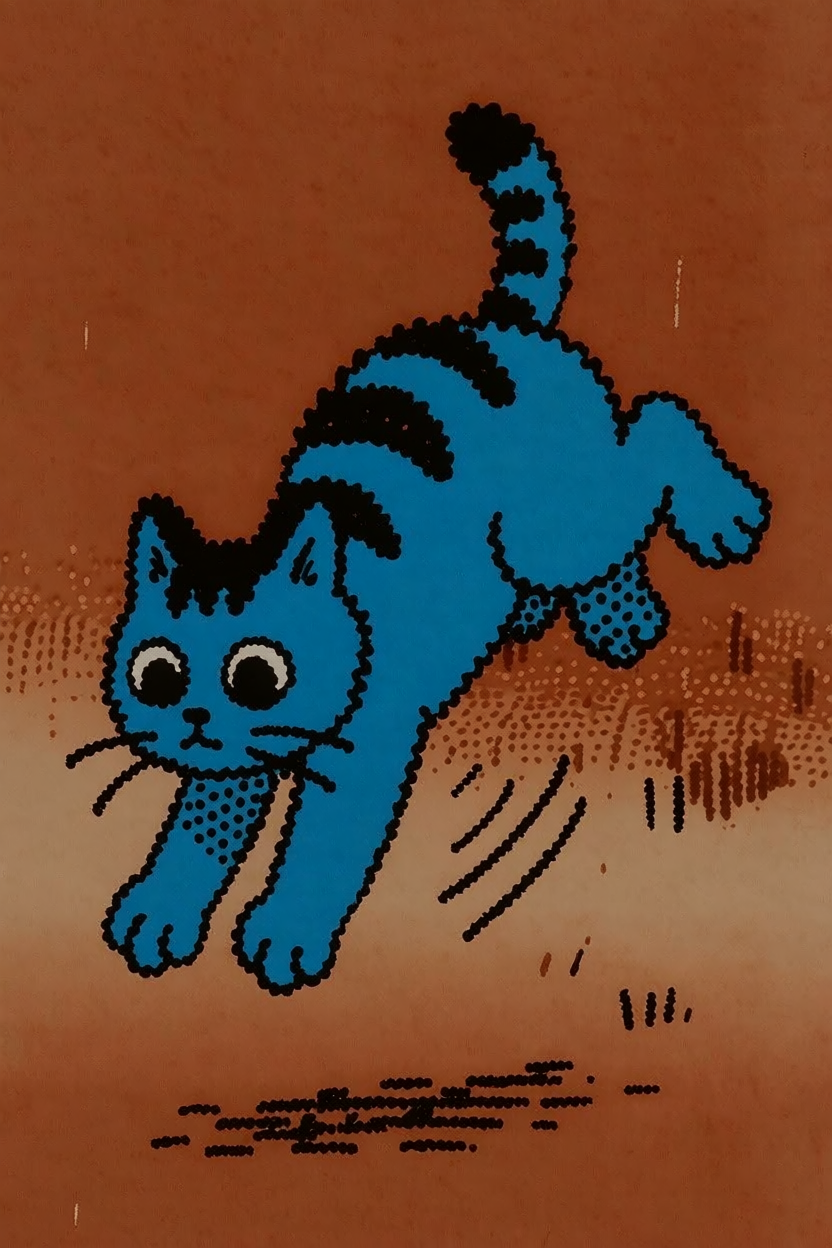
Study 1

“a cat jumping sideways”

50% · Krea 2 Medium

The prompt changes the content while the reference system carries visual character into the result set.
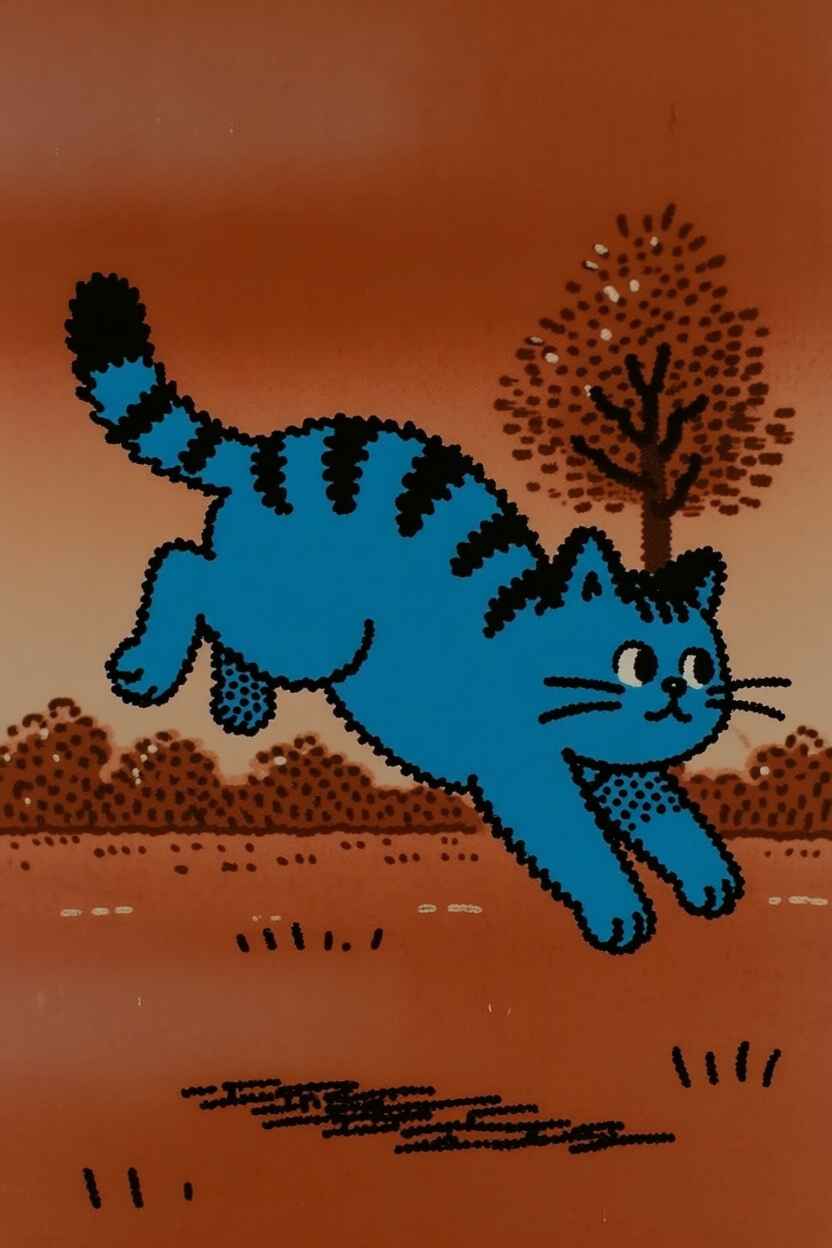
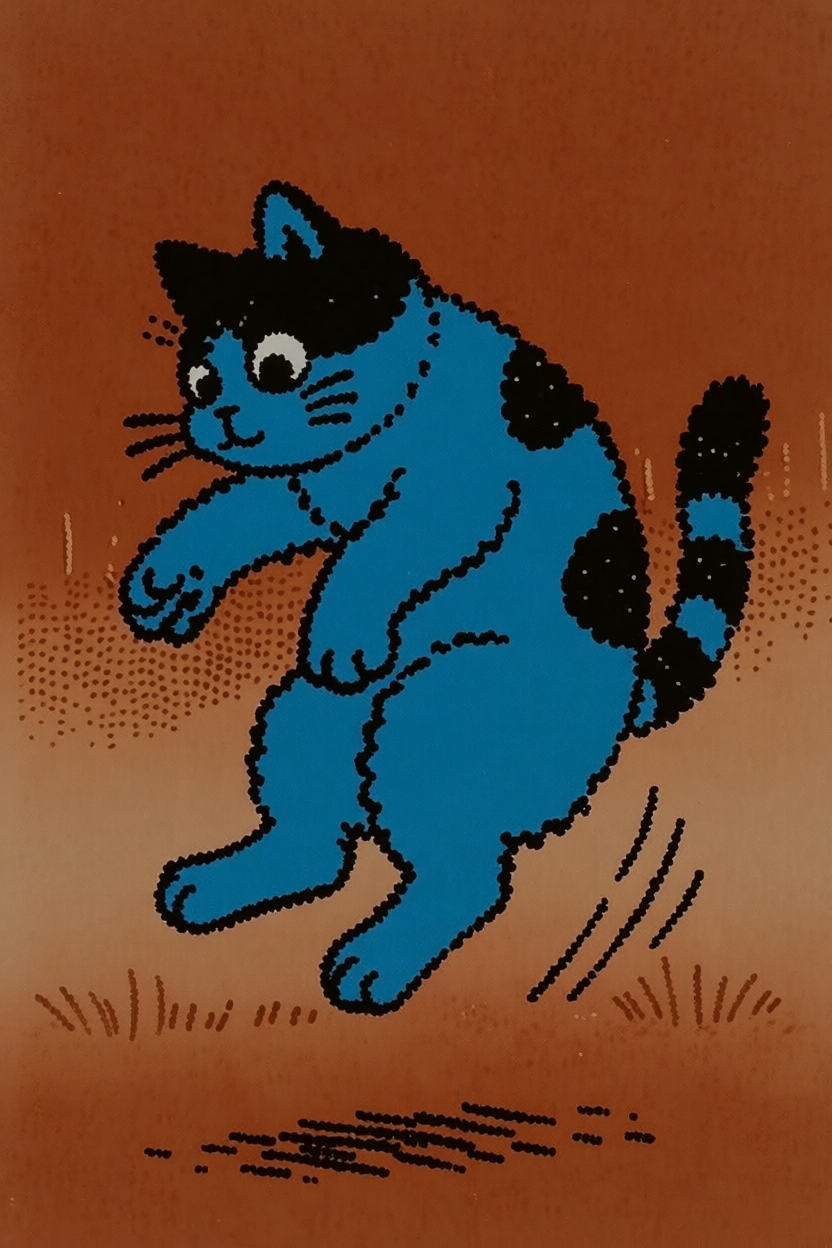
Official Krea 2 style-reference study for a cat jumping sideways, image 1
Official Krea 2 style-reference study for a cat jumping sideways, image 2
Official Krea 2 style-reference study for a cat jumping sideways, image 3
Study 2

“portrait of a penguin”

70% · Krea 2 Large

The prompt changes the content while the reference system carries visual character into the result set.
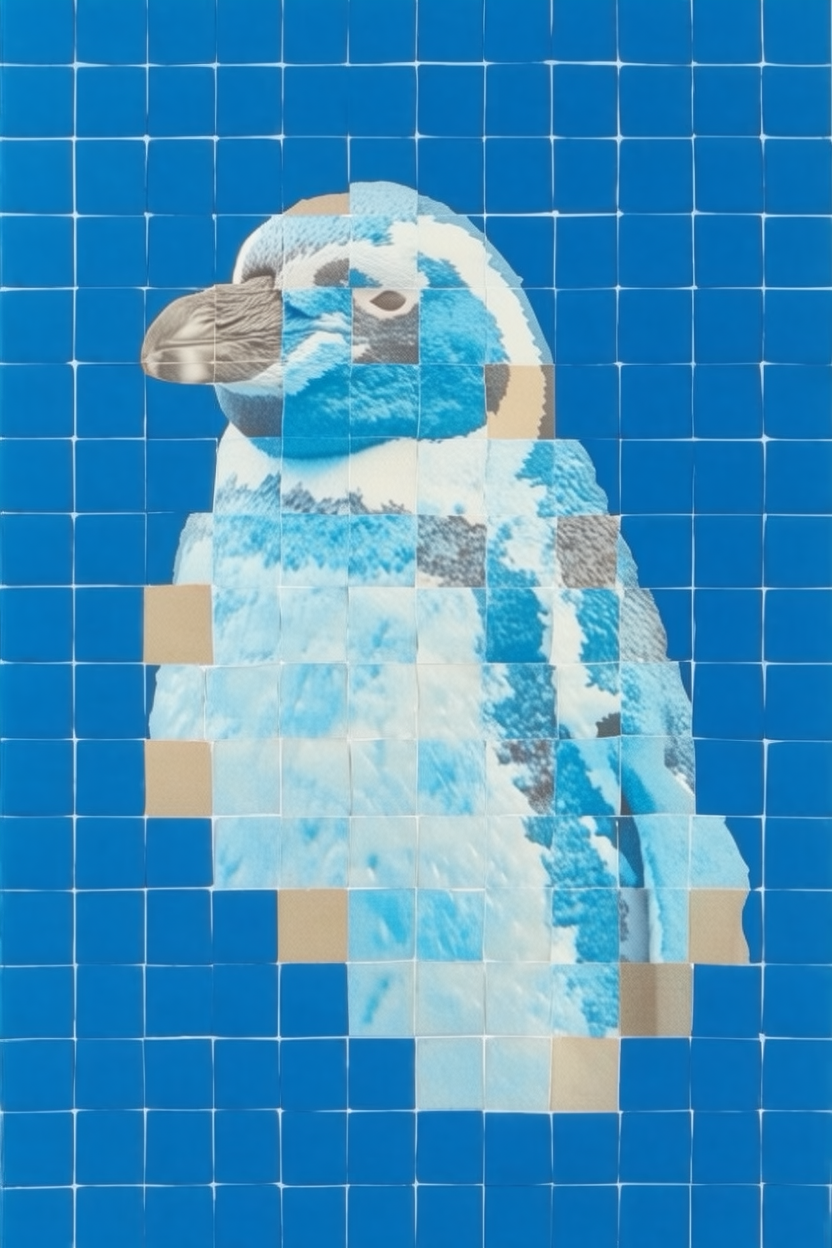
Official Krea 2 style-reference study for portrait of a penguin, image 1
Official Krea 2 style-reference study for portrait of a penguin, image 2
Official Krea 2 style-reference study for portrait of a penguin, image 3
Study 3

“a vase of wilting flowers”

50% + 50% · Krea 2 Medium

Two references are mixed at equal strength, which demonstrates weighted style mixing rather than a literal edit.
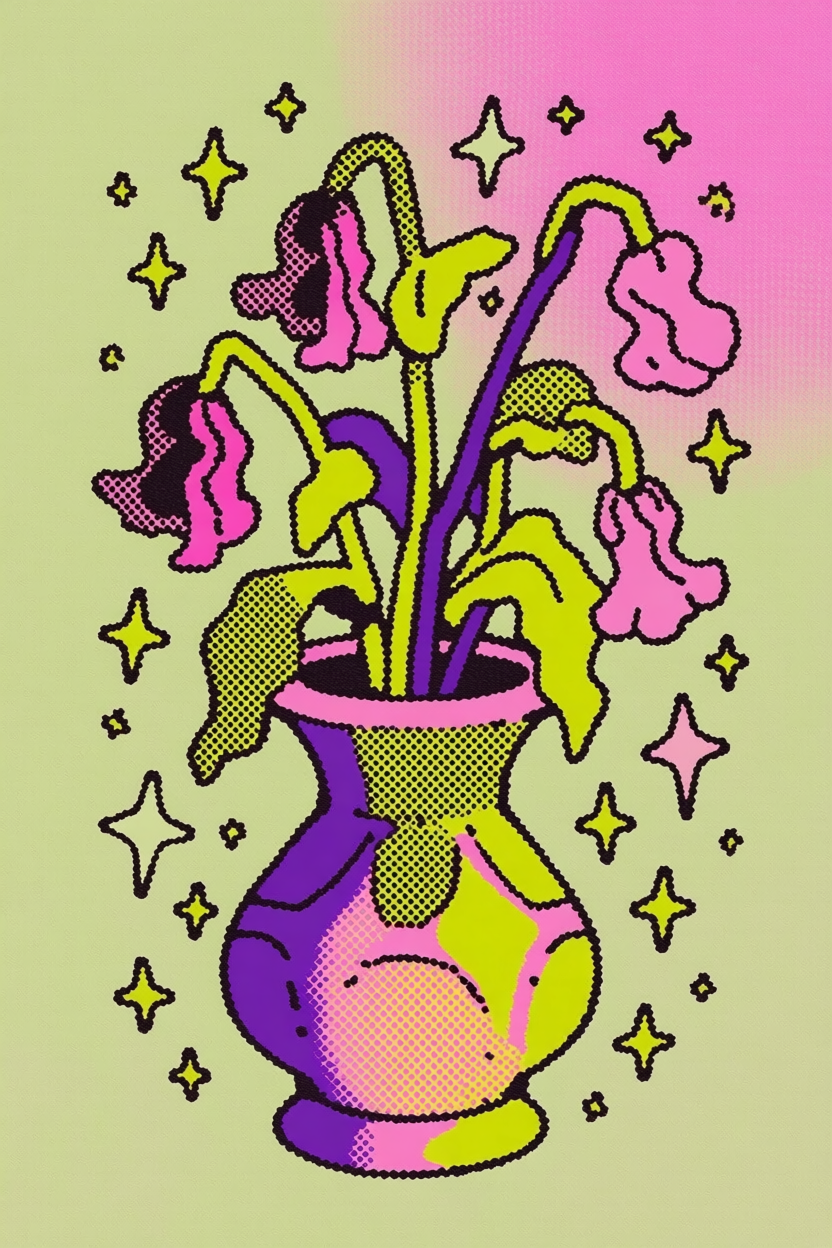
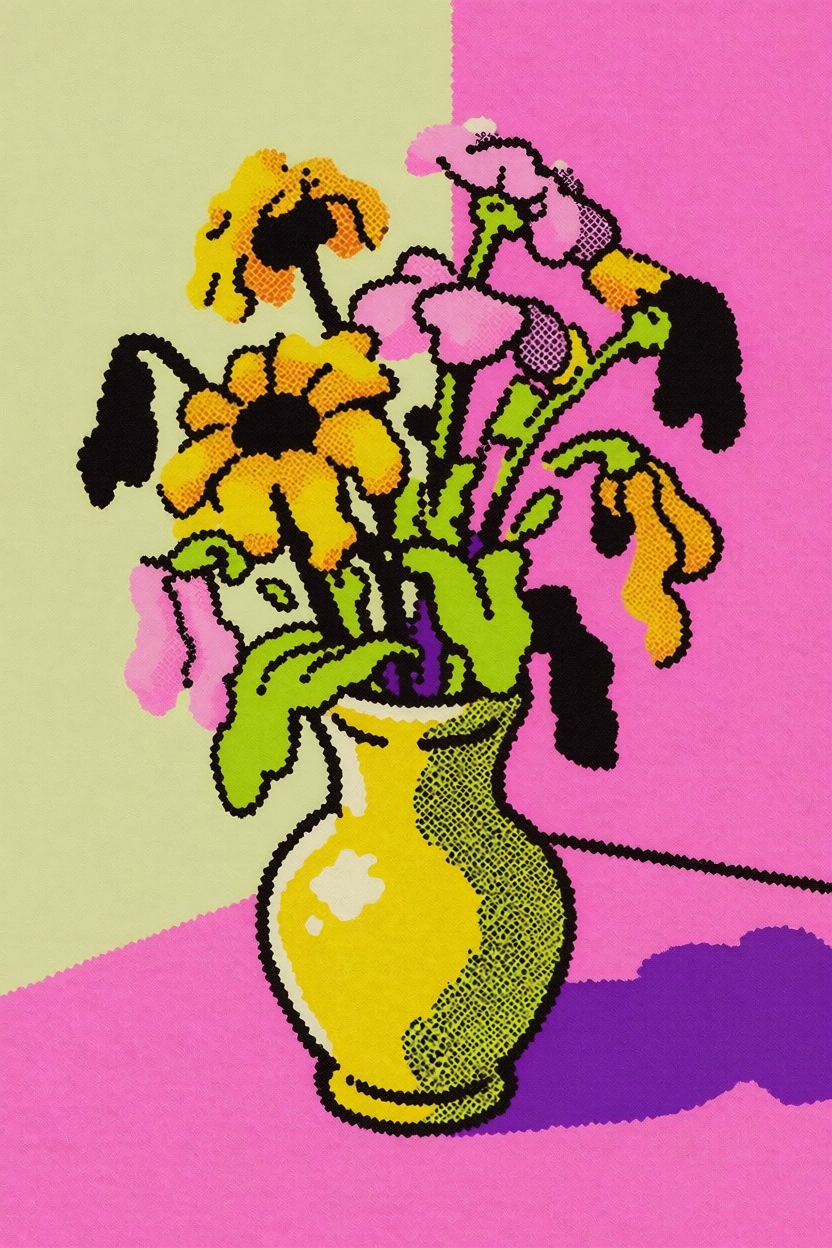
Official Krea 2 style-reference study for a vase of wilting flowers, image 1
Official Krea 2 style-reference study for a vase of wilting flowers, image 2
Official Krea 2 style-reference study for a vase of wilting flowers, image 3

Source: Krea 2 API launch · Style Transfer.

Krea2 image2image: which “img2img” do you mean?

Hosted Krea style reference
Best when the new output should inherit a palette, texture, medium, lighting logic, or overall aesthetic direction.
Traditional latent img2img
Community ComfyUI workflows encode an input image into latents and vary denoise strength. That is separate from Krea’s documented style-reference API.
Instruction-based editing
Use an edit-oriented model when the request is “keep this person or product, but replace one part.” Exact preservation is a different task.

Primary references

Style-reference researchAPI transfer examples

Continue by task

Krea2 prompt generatorWhat is Krea2Krea2 APIFLUX.1 Kontext

Krea2 img2img FAQ

Does Krea 2 support img2img?+

Krea 2 supports image style references: one or more uploaded images can guide the look of a newly generated image. This is reference-guided generation, not guaranteed pixel-preserving editing.

How does Krea2 image2image work?+

Krea2 image2image uses the uploaded image as style guidance while the text prompt defines the new subject and scene. It is useful for transferring palette, texture, lighting, medium, and composition habits, but it is not designed to preserve every source pixel.

What makes a good Krea2 reference image?+

Choose one image with a readable visual idea: a dominant palette, consistent light, clear surface treatment, recognizable medium, or strong framing. Crop away unrelated panels, borders, and text unless they are part of the look you want to transfer.

What does the uploaded image control?+

It can guide palette, texture, lighting, composition style, medium, and overall visual language. The written prompt still defines the new subject and scene.

Will Krea 2 keep the same face or product?+

Do not assume so. Use an identity-aware or instruction-led edit model when a face, logo, package, pose, or exact geometry must remain stable.

How many reference images should I upload?+

The provider schema supports multiple style references, but one coherent image is the best baseline. Add more only when each reference contributes a compatible and intentional trait.

Is my upload sent to Krea 2 on this page?+

Yes. The live route maps uploaded files to the Krea 2 Medium image_style_references input and keeps the prompt as the new-content instruction.