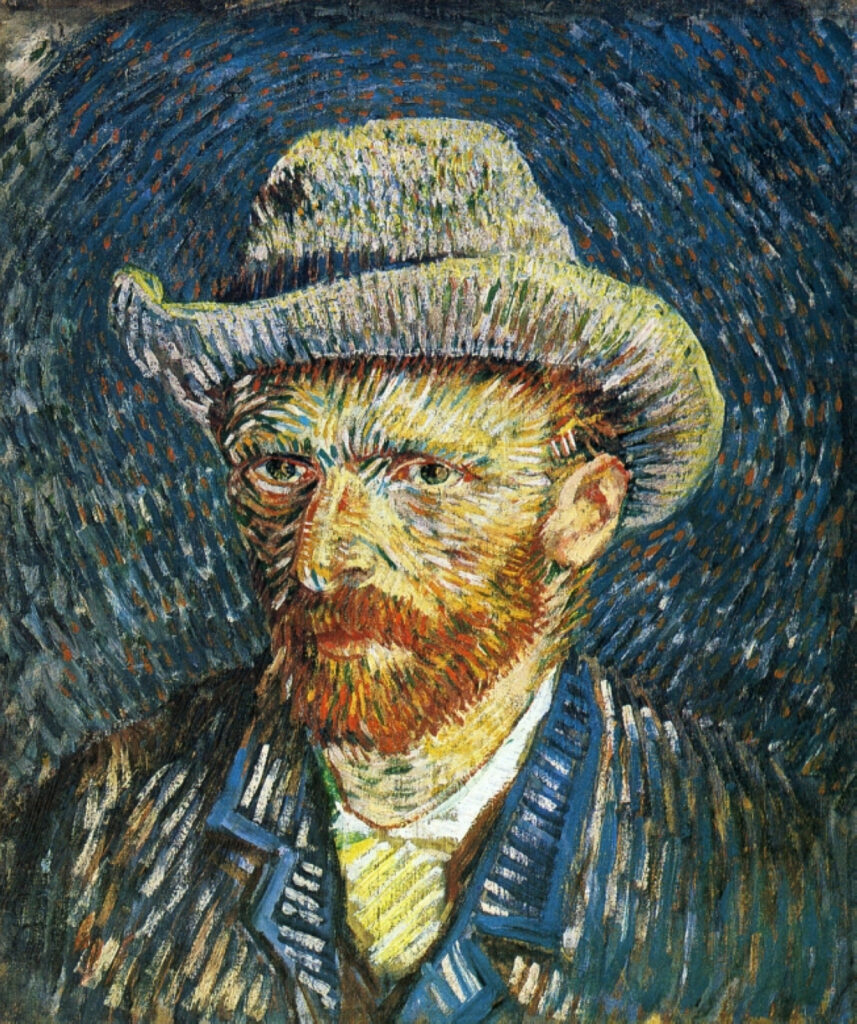
Location rebuild
Same subject, new city context.
Keep subject identity from reference. Rebuild scene as rainy Seoul alley, neon reflections, cinematic color, same wardrobe colors.
 Krea 2 AI
Use FLUX.1 Kontext on Krea 2 AI when a reference must stay recognizable while the scene, styling, or environment changes around it.
Also consider: Use Nano Banana for loose restyles; Krea 2 Large when identity rules are loose and mood leads.
Your image will appear here
Check the light, crop, and materials in these examples before you write your prompt.
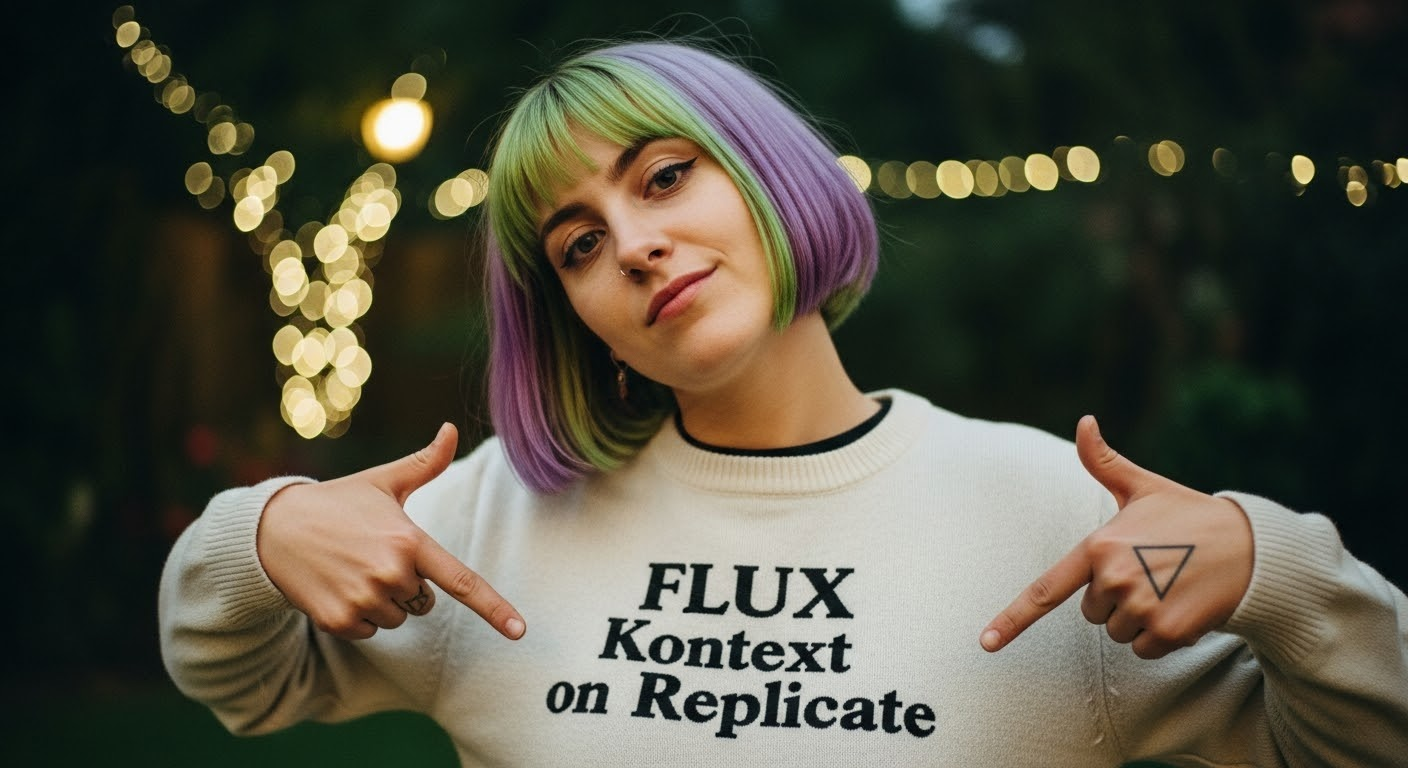
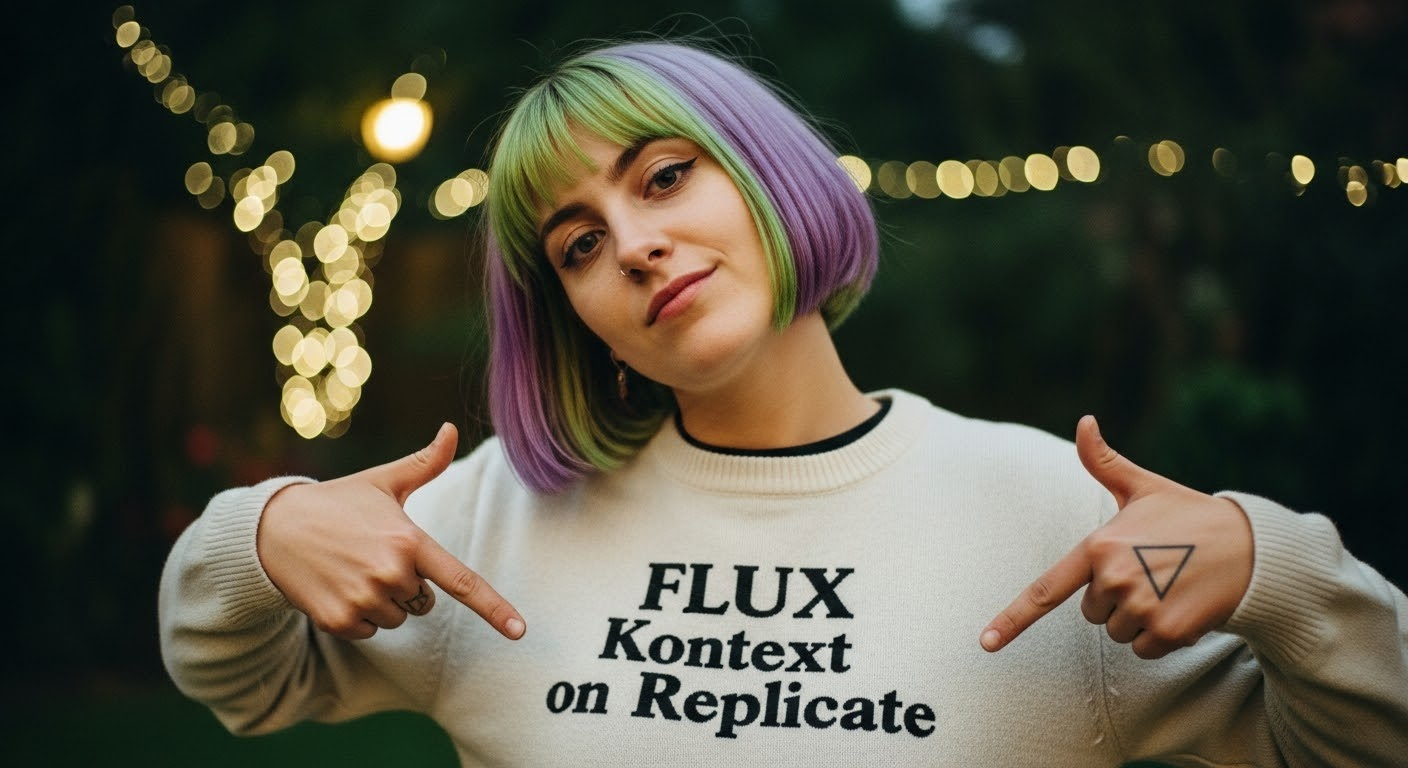
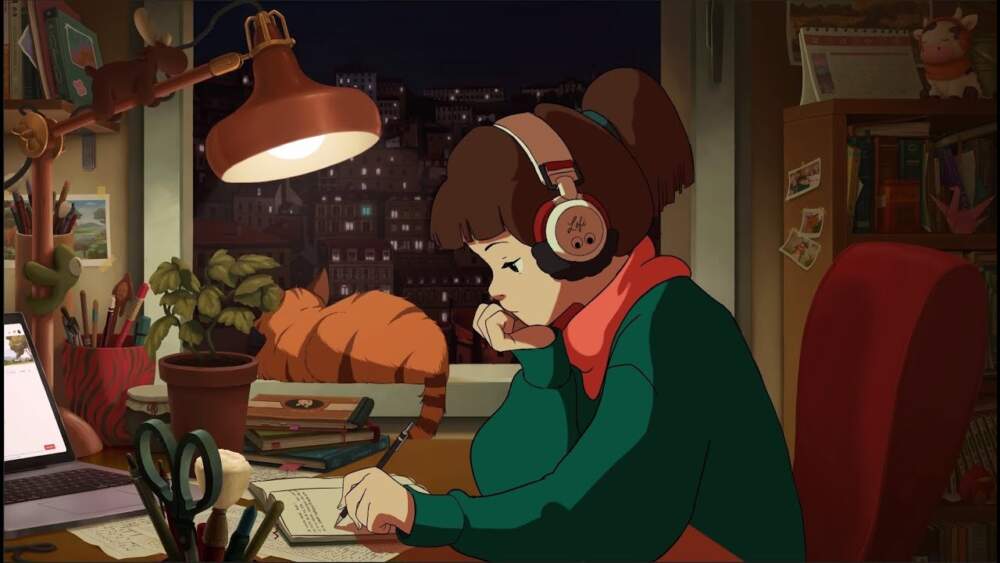

Creative lens
FLUX.1 Kontext is the identity-aware guest in Krea 2. It helps when a subject from a reference must remain recognizable while the world around it changes, including wardrobe, location, season, or art direction. Start from a Krea mood study, then move here when preservation rules matter.
Decision guide
Choose Kontext when you can name what must stay stable, such as a face, product silhouette, or logo placement, before describing the environmental change.
What FLUX.1 Kontext does well in this workbench, and when those strengths are useful.
Copy a brief, replace the subject, and keep the instructions for layout, light, and materials.
Same subject, new city context.
Keep subject identity from reference. Rebuild scene as rainy Seoul alley, neon reflections, cinematic color, same wardrobe colors.
Identity stable; environment moves from summer to winter.
Preserve face and hairstyle from reference. Move scene to snowy forest path, breath visible, cool daylight.
Silhouette locked; shelf story changes.
Keep bottle silhouette. Place on marble deli counter with herbs and sliced citrus, morning window light.
Pose holds; fashion story changes.
Keep pose from reference. Restyle to avant-garde metallic wardrobe, studio fog, hard rim light, editorial fashion.
Explore the look in Krea 2, then switch models when the brief calls for a different kind of control.
Write what must survive before any creative change.
Describe location, light, and styling as secondary moves.
Run a Krea 2 pass if the result needs more texture and imperfection.
Check the endpoint, credit calculation, and provider price source before you generate.
What creators say after using this workflow in production.
Kontext is for identity-aware rebuilds: list what must stay, then change the world. Krea handles loose mood; Kontext holds anchors.
Keep vs change lists in every revision note. Kontext taught the team that habit faster than any generic doc.
Season and location swaps keep the face readable. That is the whole point of opening this guest route.
Bottle silhouette locked, shelf story rewritten — Kontext edits beat loose Nano Banana restyles when identity matters.
Editorial fashion restyles hold pose while wardrobe changes. We still compare a Krea pass when texture should return.
Stable hero, controlled delta — Kontext is the right mental model for revision rounds inside the Krea studio.
Nano Banana is for fast forks. Kontext is for identity-aware scene rebuilds with explicit preservation rules.
Both are live: use image mode when a reference anchor exists.
No. Krea still leads exploratory mood. Kontext executes controlled identity-aware changes.