Pick draft FLUX
Photoreal exploration before committing credits to Pro or Max.
Handmade ceramic mug on oak table, morning window light, soft steam, photoreal still life.
 Krea 2 AI
Compare FLUX.2, Pro, Max, and Kontext on Krea 2, then generate with the route that matches your brief.
Also consider: Open individual FLUX pages for deeper prompts, or Krea 2 Medium when mood should lead entirely.
Your image will appear here
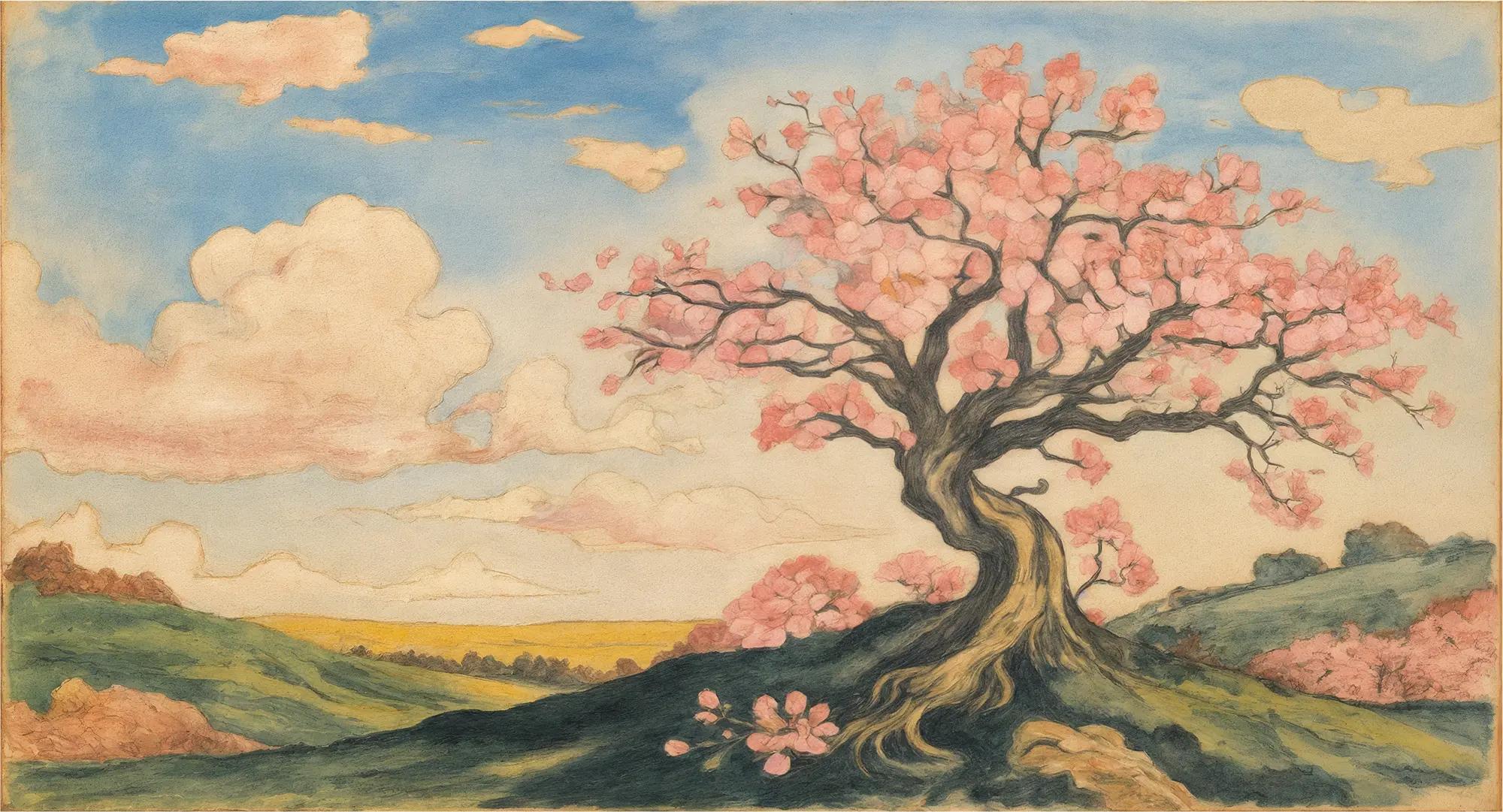
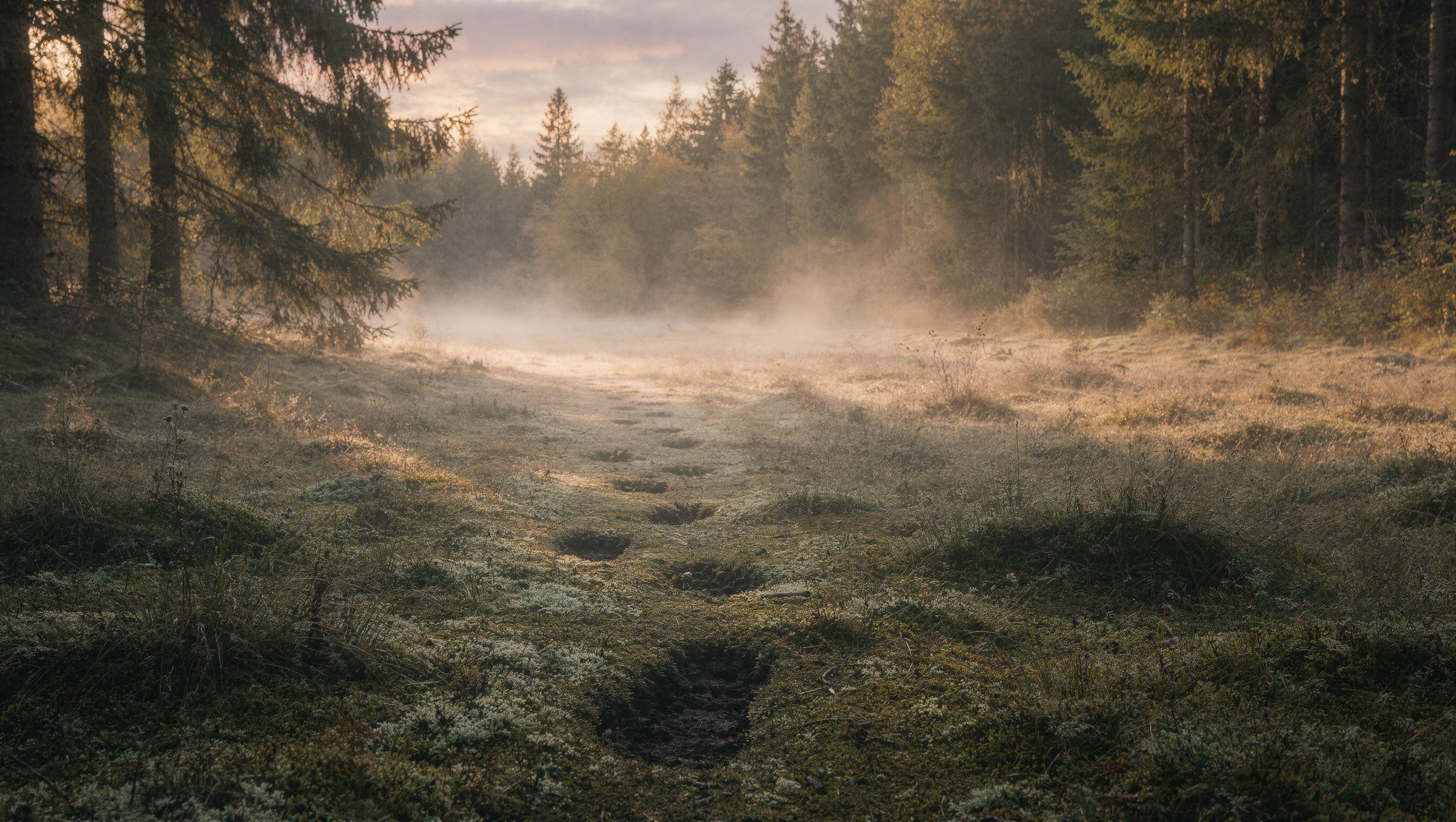
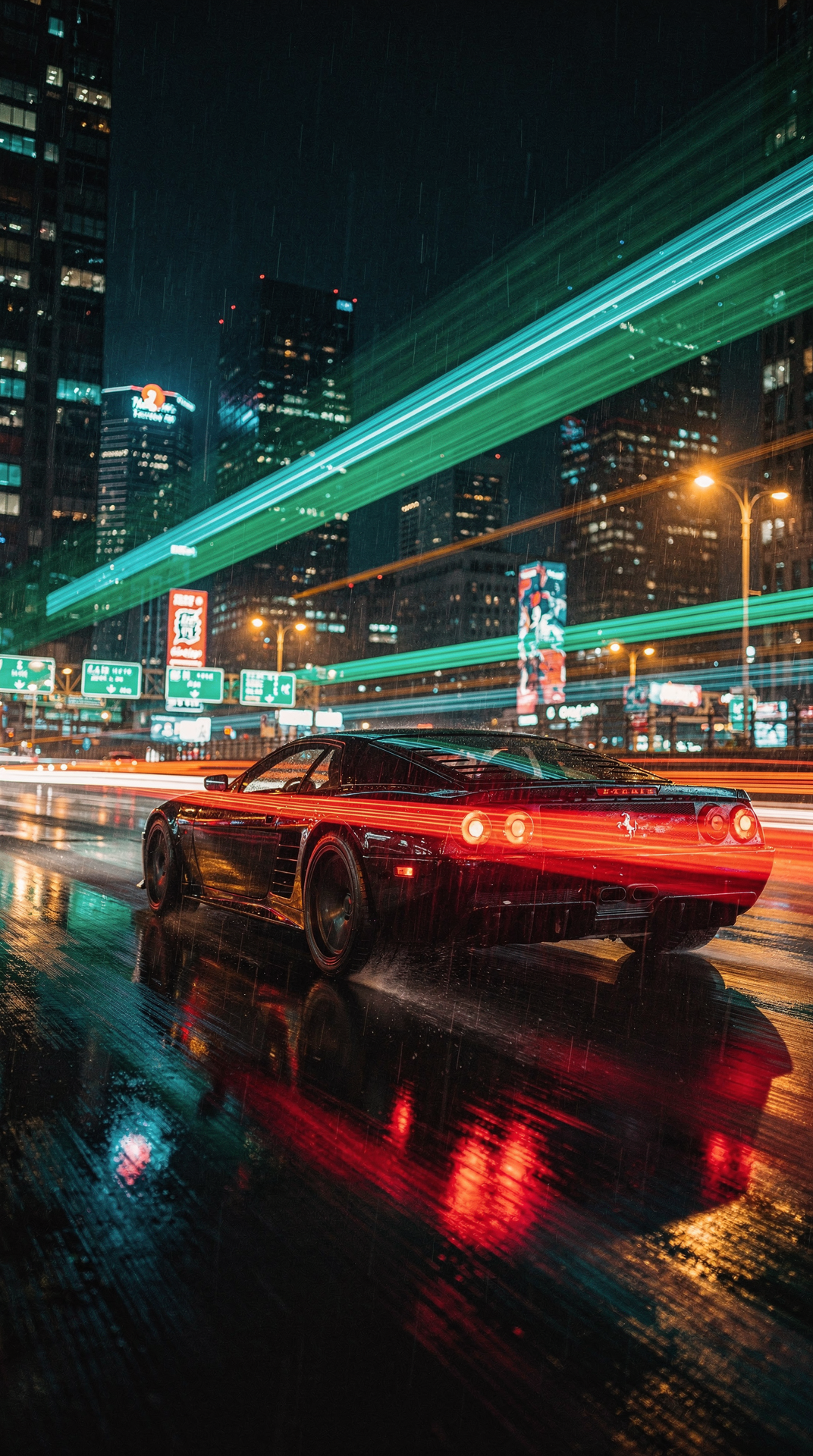
Check the light, crop, and materials in these examples before you write your prompt.
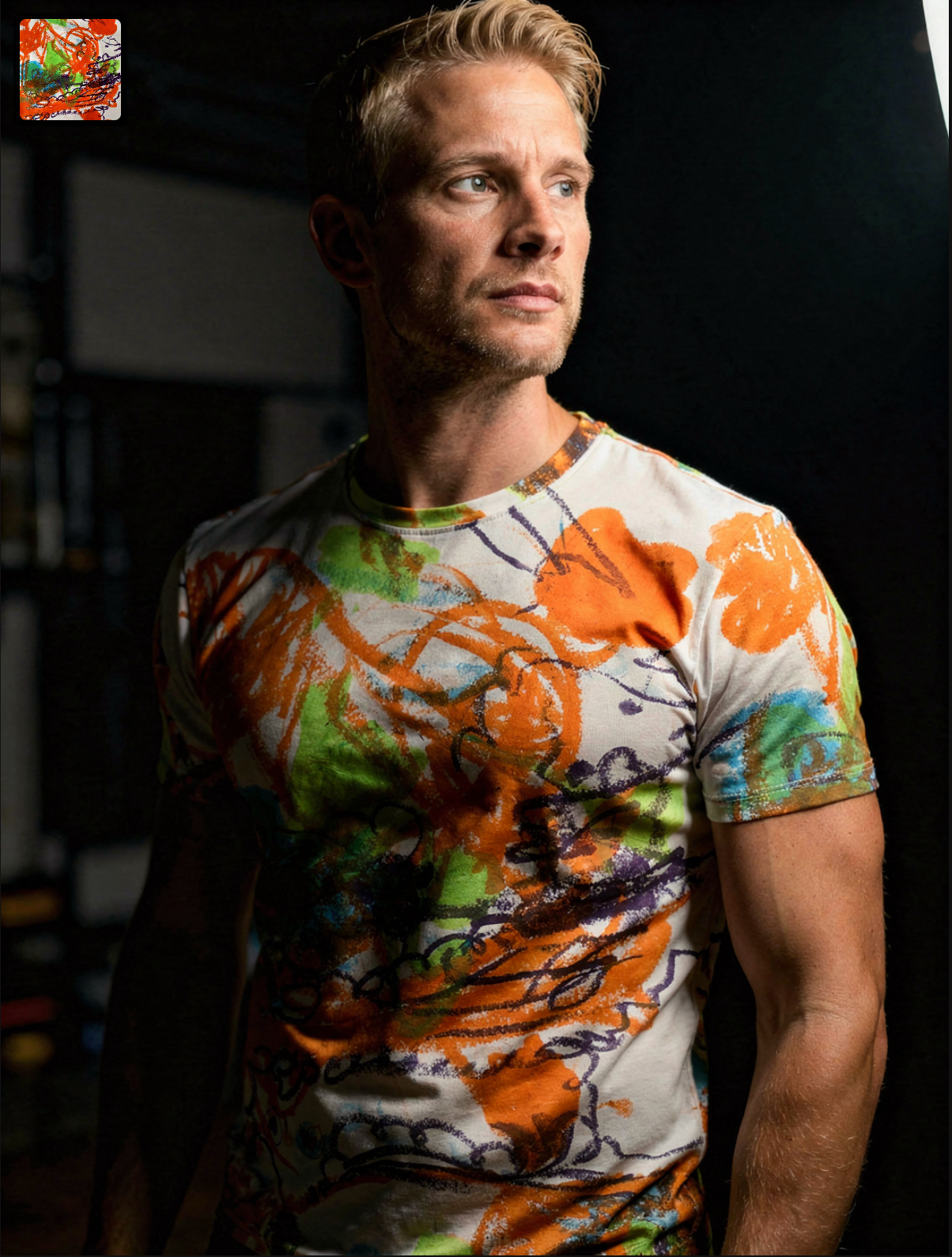
Creative lens
This Flux hub inside Krea 2 maps the live FLUX family without collapsing them into one generic label. Use it to pick a route. Use FLUX.2 for photoreal drafts, Pro for production stills, Max for hero detail, or Kontext for identity-aware rebuilds, while keeping Krea as the aesthetic home base.
Decision guide
Start here when you know you need FLUX but not which member. Generate immediately with FLUX.2, or jump to a specific page once the brief names detail level or preservation rules.
What Flux AI image generator does well in this workbench, and when those strengths are useful.
Copy a brief, replace the subject, and keep the instructions for layout, light, and materials.
Photoreal exploration before committing credits to Pro or Max.
Handmade ceramic mug on oak table, morning window light, soft steam, photoreal still life.
When the set is approved and iteration speed matters.
Running shoe floating above grey gradient, crisp laces, studio strip reflections, catalog hero.

When a reference must stay readable.
Keep subject from reference. Move to desert highway at golden hour, wind in hair, cinematic wide shot.

Run the same brief on Krea 2 Large to see which lens fits the emotion.
Lonely neon diner at midnight, rain on windows, muted palette, cinematic atmosphere, subtle grain.
Explore the look in Krea 2, then switch models when the brief calls for a different kind of control.
Draft, production, final detail, or identity-aware. Pick one before generating.
Use dedicated pages for deeper examples and prompts.
Compare against Krea 2 so photoreal clarity does not erase mood.
Check the endpoint, credit calculation, and provider price source before you generate.
What creators say after using this workflow in production.
This Flux hub is what I send people who ask which FLUX lens to open. Draft, Pro, Max, Kontext — mapped, not mashed.
One hub beats five conflicting blog posts. I pick a lens, then open the dedicated page for deeper briefs.
When I am unsure, I generate with FLUX.2 here, then compare the same brief on Krea Large for mood.
We bookmark this hub as the entry point before anyone dives into Max or Kontext specifics.
Prompt examples are copy-paste starts. Swap the subject, keep the structure, stay inside the Krea workbench.
Flux naming is confusing industry-wide. This page maps intent to the right route without pretending one button fits all.
Krea leads aesthetic exploration; the hub makes FLUX choices explicit instead of hiding them behind one generic label.
FLUX.2, Pro, Max, and Kontext each have live endpoints in this workbench.
Start here to choose a lens; open a specific page when you already know the FLUX member you need.