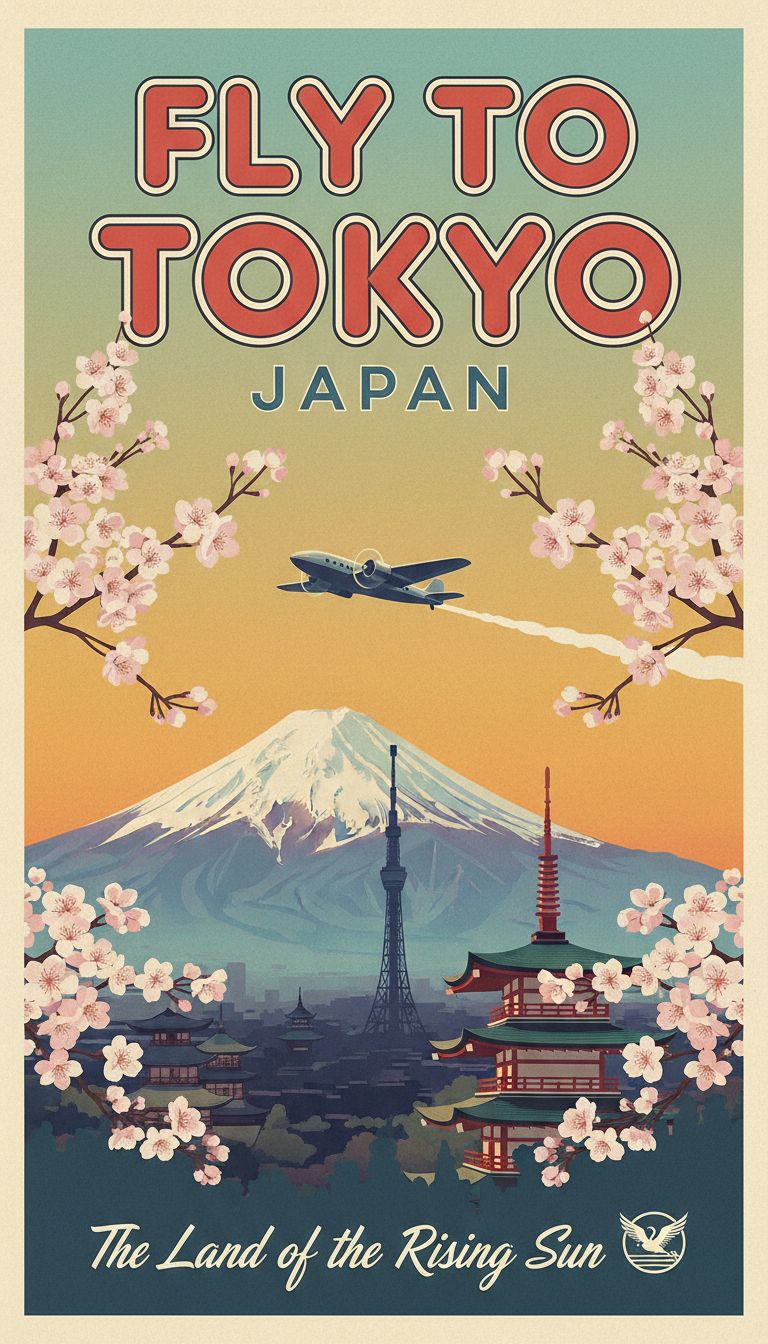
Travel mood fork
Start surreal, then decide if the story feels editorial or illustrated.
Surreal travel vignette, cobalt sea through a porthole, oversized citrus slice, sun-faded linen, flash photography, optimistic summer heat.
 Krea 2 AI
Use Nano Banana inside Krea 2 AI to fork a visual idea quickly: palette swaps, medium shifts, and reference restyles before committing a Krea 2 Large pass.
Also consider: Move to Nano Banana Pro for polish, or Krea 2 Large when texture and grain should lead the frame.
Your image will appear here
Check the light, crop, and materials in these examples before you write your prompt.
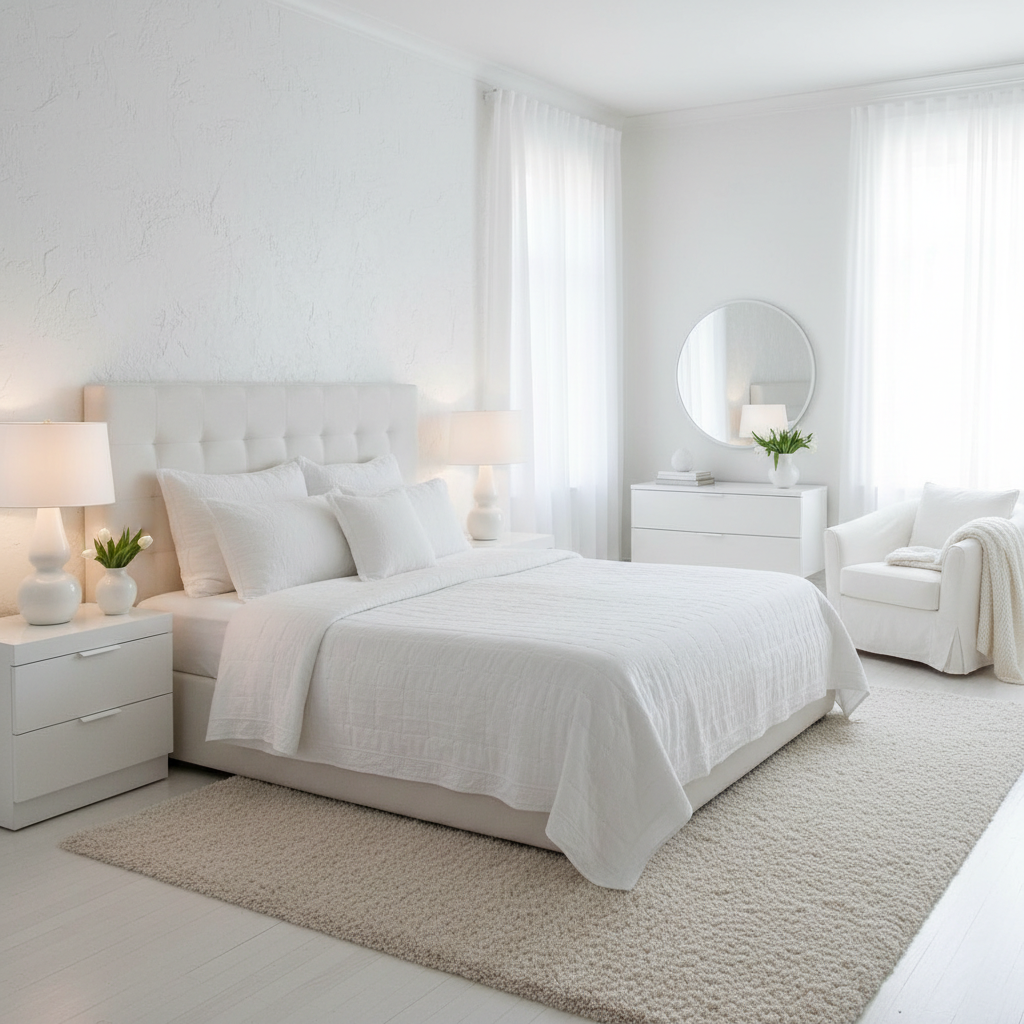
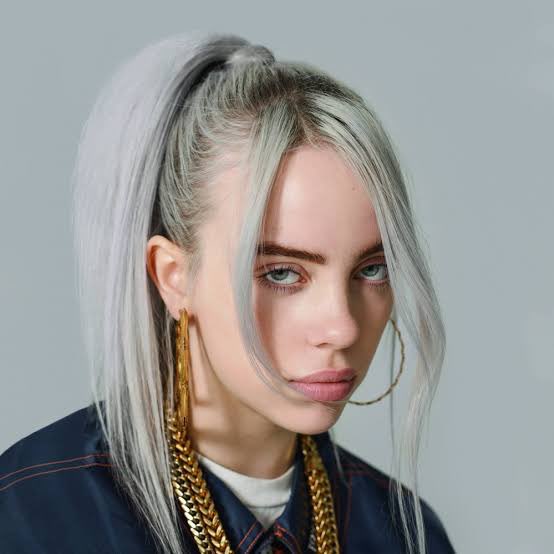
Creative lens
Nano Banana is the quick fork lane in the Krea 2 studio. It rewards briefs that name one subject, one camera attitude, and one lighting story, then change a single variable between runs. Think of it as a sketchbook beside Krea’s richer texture engine, not a replacement for it.
Decision guide
Open Nano Banana when you need three distinct directions before lunch: seasonal palette swaps, illustration versus photo, or a reference restyle that keeps silhouette stable. Return to Krea 2 when the output should feel more authored, grainy, or materially specific.
What Nano Banana does well in this workbench, and when those strengths are useful.
Copy a brief, replace the subject, and keep the instructions for layout, light, and materials.
Start surreal, then decide if the story feels editorial or illustrated.
Surreal travel vignette, cobalt sea through a porthole, oversized citrus slice, sun-faded linen, flash photography, optimistic summer heat.
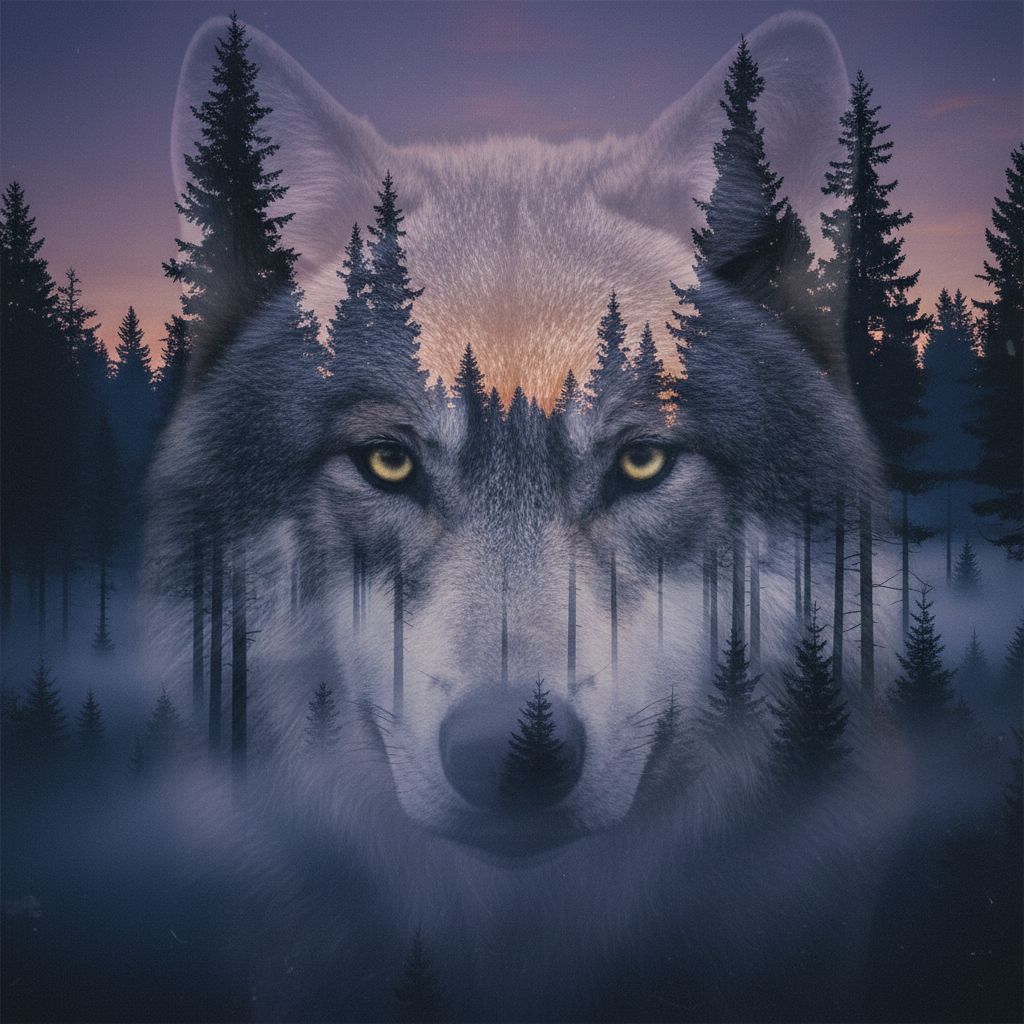
One cyclist, one graphic device, no text yet.
Indie film poster, lone cyclist crossing a huge red circle at dusk, grainy risograph texture, bold negative space.

Keep the window seat and change only the season.
Same cafe window composition, autumn version: amber leaves outside, cinnamon latte, warm tungsten interior, soft film grain.
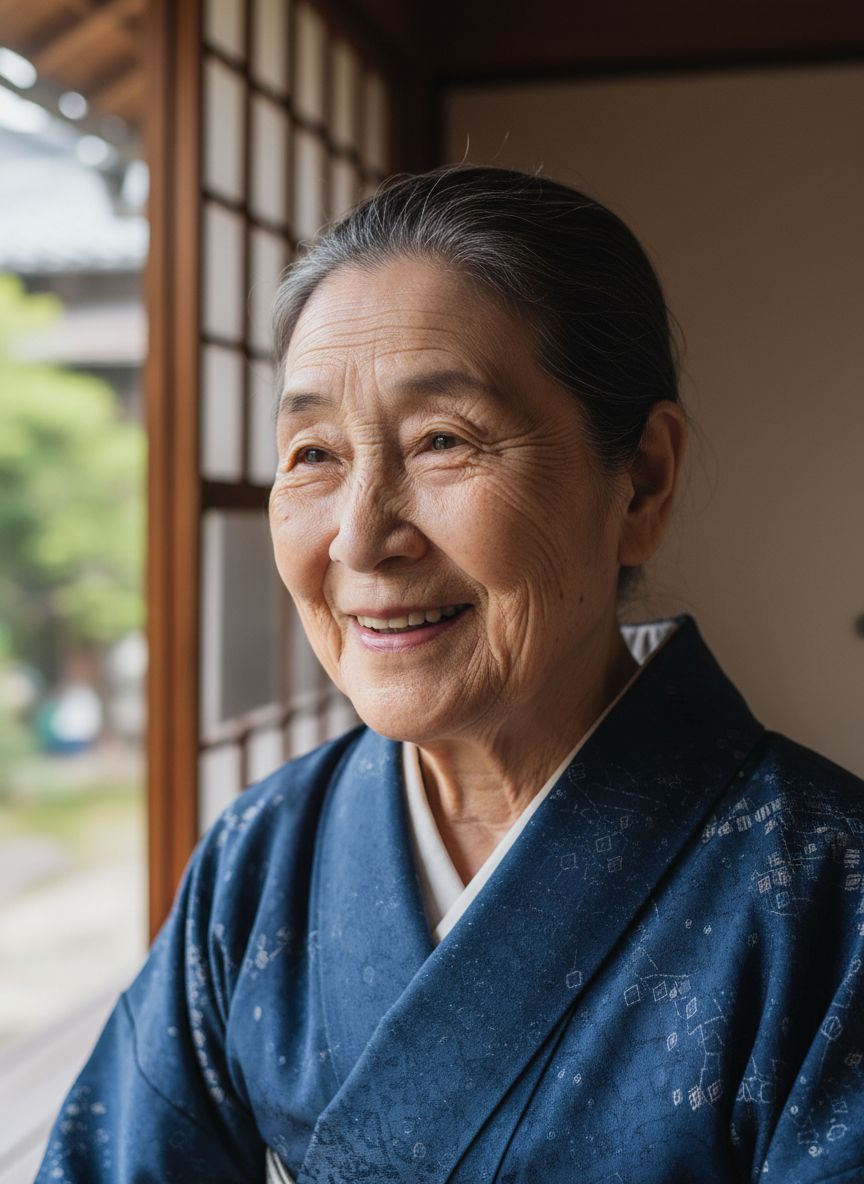
Keep silhouette; change the world around it.
Keep bottle silhouette from reference. Restyle as sunlit Mediterranean breakfast with striped linen, lemon peel, candid flash.
Explore the look in Krea 2, then switch models when the brief calls for a different kind of control.
Decide whether the next fork changes palette, medium, setting, or wardrobe.
Three related prompts teach more than ten unrelated rewrites.
Move the winning fork to Krea 2 Large for texture and finish.
Check the endpoint, credit calculation, and provider price source before you generate.
What creators say after using this workflow in production.
Nano Banana is the fork lane beside Krea Turbo. Three palette swaps before lunch, then promote the winner to Krea Large.
One subject, one frame, one light story — Nano Banana rewards that discipline with forks the team can actually vote on.
Reference restyles keep silhouette stable while I change season or wardrobe. Faster than rewriting the whole brief each time.
We sketch thumbnails here, then finish expressive texture on Krea 2 Large. The loop feels like a real studio, not a model zoo.
Students learn prompting faster when forks are cheap. Nano Banana teaches concrete nouns better than a pile of aesthetic adjectives.
Wardrobe and lighting forks on the same character beat saved our trailer pre-vis week without leaving the Krea workbench.
Turbo is tuned for Krea’s aesthetic engine. Nano Banana is a Gemini guest route optimized for fast visual branching and restyles.
Yes. Switch to image mode on this route for guided restyles.
Keep one subject, one frame, and one lighting setup. Change only one element between comparisons.